Welcome to your system
for regular meeting notes
You're in a lot of meetings, but something isn't right about your tools.
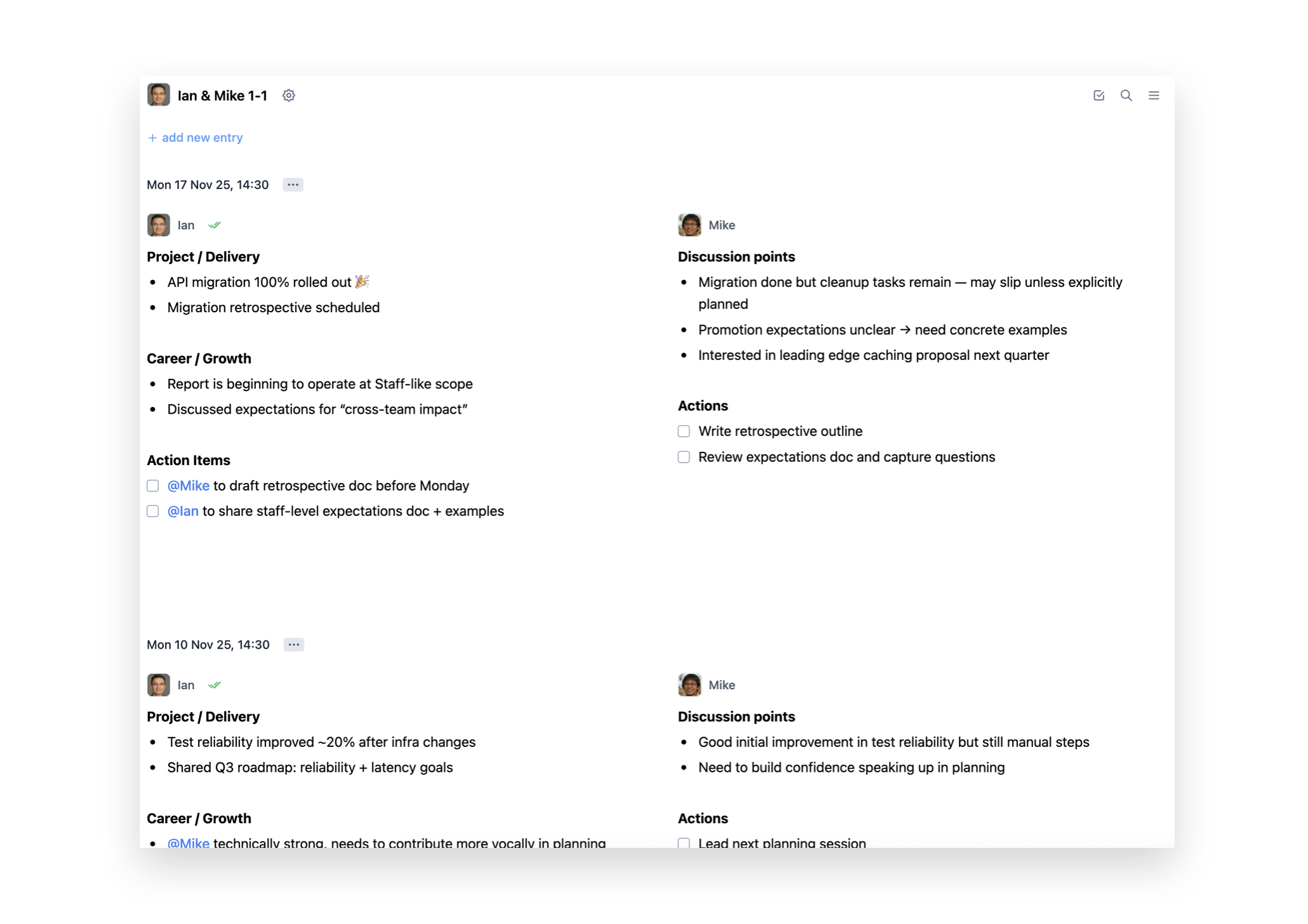
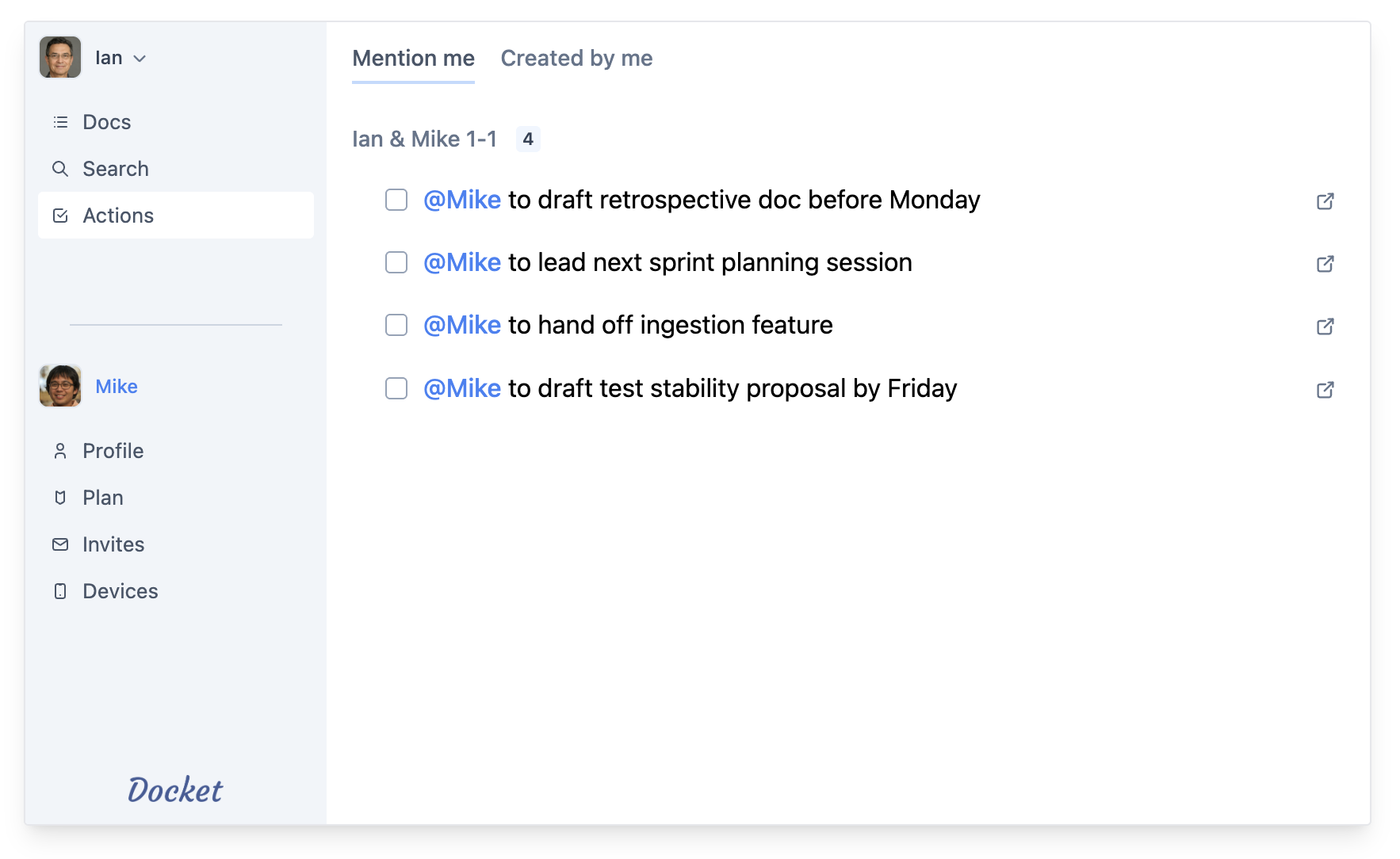
You're not asking for much. Just a way to quickly note key points, take actions for people, and track whether they get done later in a central place (across all your different meetings). You want notes organised by meeting, with the notes for each meeting timestamped. You want everyone in the meeting to be able to take their own notes, and easily see who wrote what. You want to search all of this, to find that thing you remember someone said a couple of weeks ago, and have the notes from that specific meeting pulled up right away.
You want all that, yes. But as good as that would be (your tools are already letting you down here - after all they are designed for a million things besides meeting notes), that's just the logistical stuff. Actually, what you really want is something more. Something simpler, something that seems to be getting lost. You want focus. You want to be engaged in the meeting, talking to people, looking them in the eye, not buried in your laptop or phone.
You want something designed so specifically for note-taking in meetings that you can type with one hand and half an eye on the screen, so your head springs back up once you've jotted down that quick thing. You want basic formatting to keep your notes neat (mostly bullet points let's be honest) and obvious things like pasting images and links. But nothing else. You certainly don't want to look down and find you've created a spreadsheet, ordered pizza for your office, or something equally bizarre while you've been paying attention to the people in front of you instead of whatever random thing is popping up as you type (usually adorned with a sparkle emoji).
So, this issue of taking notes while paying attention to the meeting. This is the part of the pitch you're expecting to hear the two dreaded letters. But you already know that's not the answer. The fact it's not the answer is the whole point. You're a professional, you've been doing this for years, you know exactly which crucial pieces of information need to be pulled out of an hour long chat and which don't. You know exactly which things people said they would do matter and which don't, and which you want to follow up with. You don't want this outsourced. It's your job, and you're damn good at it. They're your notes, you're in command of them.
We call this active note taking, and Docket is the system built for it.
But OK, less talk, more action. You can try out Docket right now, for free, without even having to sign up for an account. Just start typing notes, share them with others, and see if it works for you. Try it out!